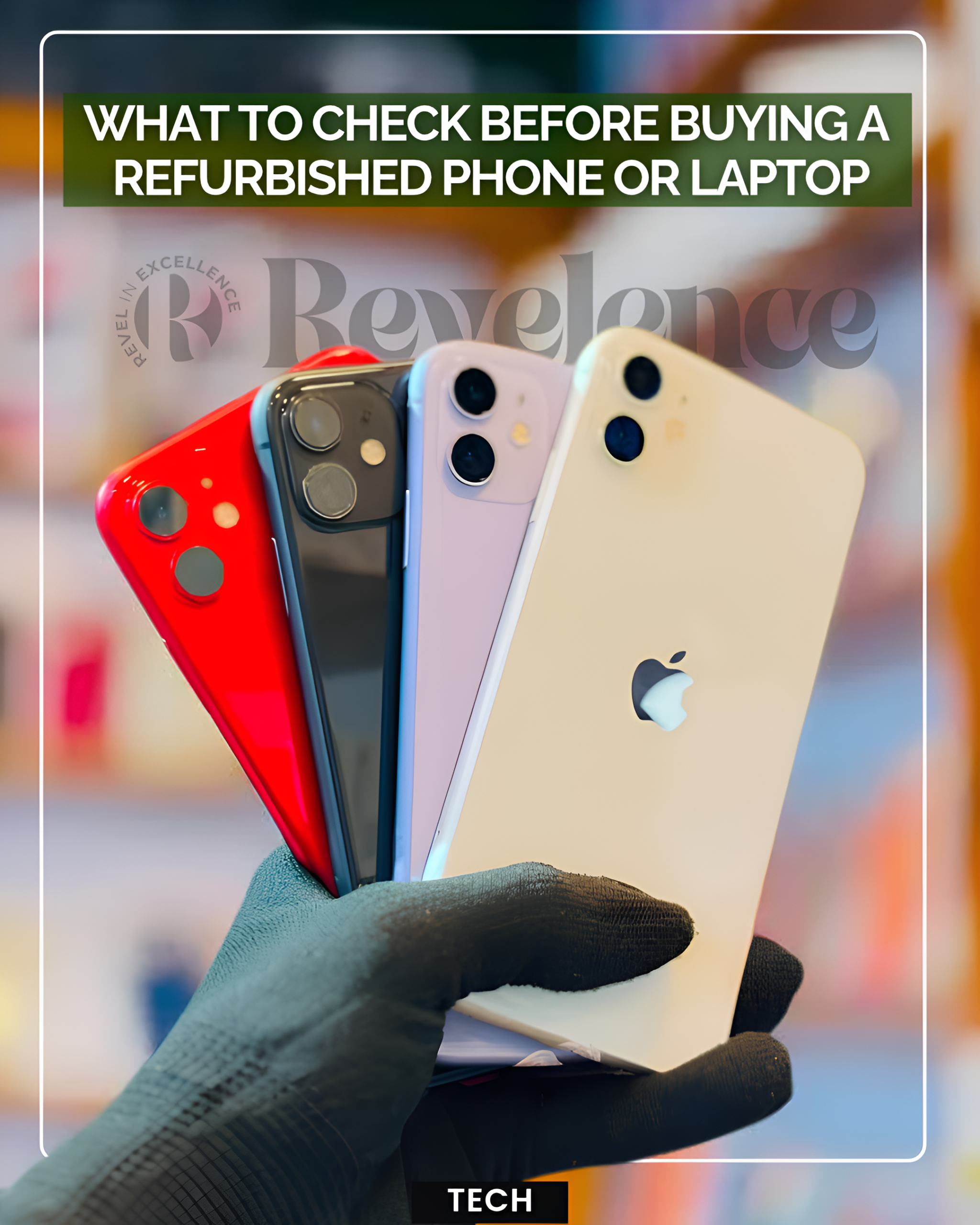
Photo credit: facebook/Nethmina Cellular
A refurbished phone or laptop can cost less than a new model while giving an older device another useful life. However, the word refurbished does not tell you everything about the device.
The important details sit behind the listing. Who refurbished it? What does the warranty cover? How healthy is the battery? Can you return it if the device does not meet the description?
A refurbished device has typically been previously owned or returned, then inspected, repaired or restored before resale. That sets it apart from many used devices that are simply sold as-is.
Check the warranty before looking at the price
Warranty coverage can vary widely between sellers.
Before paying, check how long the warranty lasts and what it covers. Does it include parts and labour? Does it cover the battery? What happens if the device develops a fault after a few weeks?
Some refurbished sellers offer only short return periods, while others provide longer warranties. The source material recommends looking for coverage that extends beyond a basic 30-day window where possible.
Do not assume that every refurbished device has the same protection.
Ask about the battery
Battery condition matters because a cheap phone can become expensive if its battery needs replacing soon after purchase.
For refurbished phones, ask the seller to state the battery health or minimum battery capacity. For laptops, ask whether battery condition or charge-cycle information is available.
Also check whether the warranty covers battery faults. A seller should be able to explain what condition the battery was in when the device passed its checks.
Check who is actually selling the device
The seller matters as much as the device.
Look for a clear business identity, contact information, customer support details and a documented returns process. Manufacturer-certified refurbishment can provide additional reassurance, while established specialist refurbishers may also publish their testing and grading standards.
Be cautious when a listing provides plenty of product photos but little information about the company behind the sale.
Read the return rules carefully
A warranty and a return policy are not the same thing.
Before ordering, find out how many days you have to return the device and whether you will pay return shipping. Check whether restocking fees apply and whether the seller requires the device to remain in a particular condition.
Return terms can become especially important when the device arrives with cosmetic wear that was not clear from the listing.
Check condition and parts
Refurbished devices can carry different cosmetic grades. A device described as Grade A may have minimal visible wear, while lower grades may show scratches or other marks.
That does not automatically mean poorer performance. Still, the listing should clearly explain the condition you will receive.
Also check whether repairs used original manufacturer parts or third-party replacements. The source material notes that buyers should ask about this because replacement parts can affect compatibility and long-term performance.
Check the device itself after delivery
Once the device arrives, test it before the return window closes.
Check the screen, cameras, speakers, buttons, ports, Wi-Fi and Bluetooth. For phones, verify the IMEI where appropriate. For laptops, check the serial number and confirm that the device is not locked or otherwise restricted.
Also make sure the operating system works properly and that the device does not contain unexpected software or accounts.
Refurbished tech can be a smart way to spend less. The safest approach is to judge the whole offer, not just the price.
A good deal should come with clear seller information, reasonable warranty coverage, a workable return policy and enough detail about the device’s condition to let you make an informed choice.
About the Author